Not every brand mention is written down. Some are spoken in videos, others appear in stories or visual content. Mediaboard Social Lens uses AI to uncover brand mentions that traditional keyword-based social listening misses.
What is Mediaboard Social Lens?
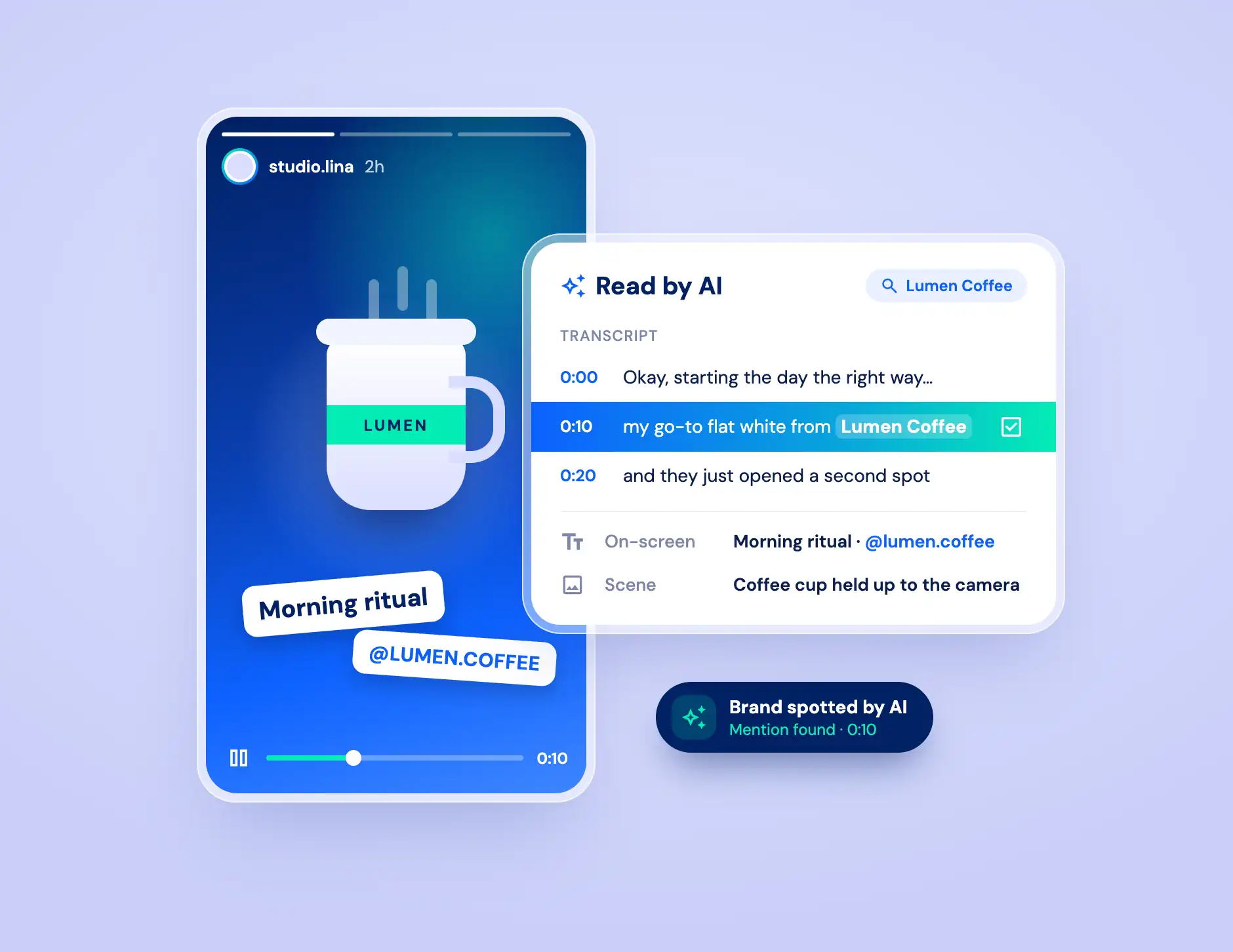
Mediaboard Social Lens is an add-on to Mediaboard social listening that uses AI to find brand mentions in social videos, stories and visuals – even where nobody typed your name. Each video or story becomes a mention in Mediaboard, with a transcript, the text on screen and a short description of the scene, that you can search, tag and report on alongside your media coverage.
Why video mentions slip through
Classic social listening reads text: posts, captions, comments and hashtags. A short video or a story often has none of that. A creator says your brand name, holds up your product or adds a sticker with your handle – and a keyword search finds nothing.
Social Lens reads what is said and shown, not just what is typed.
What AI reads in social videos and stories
1. What’s said
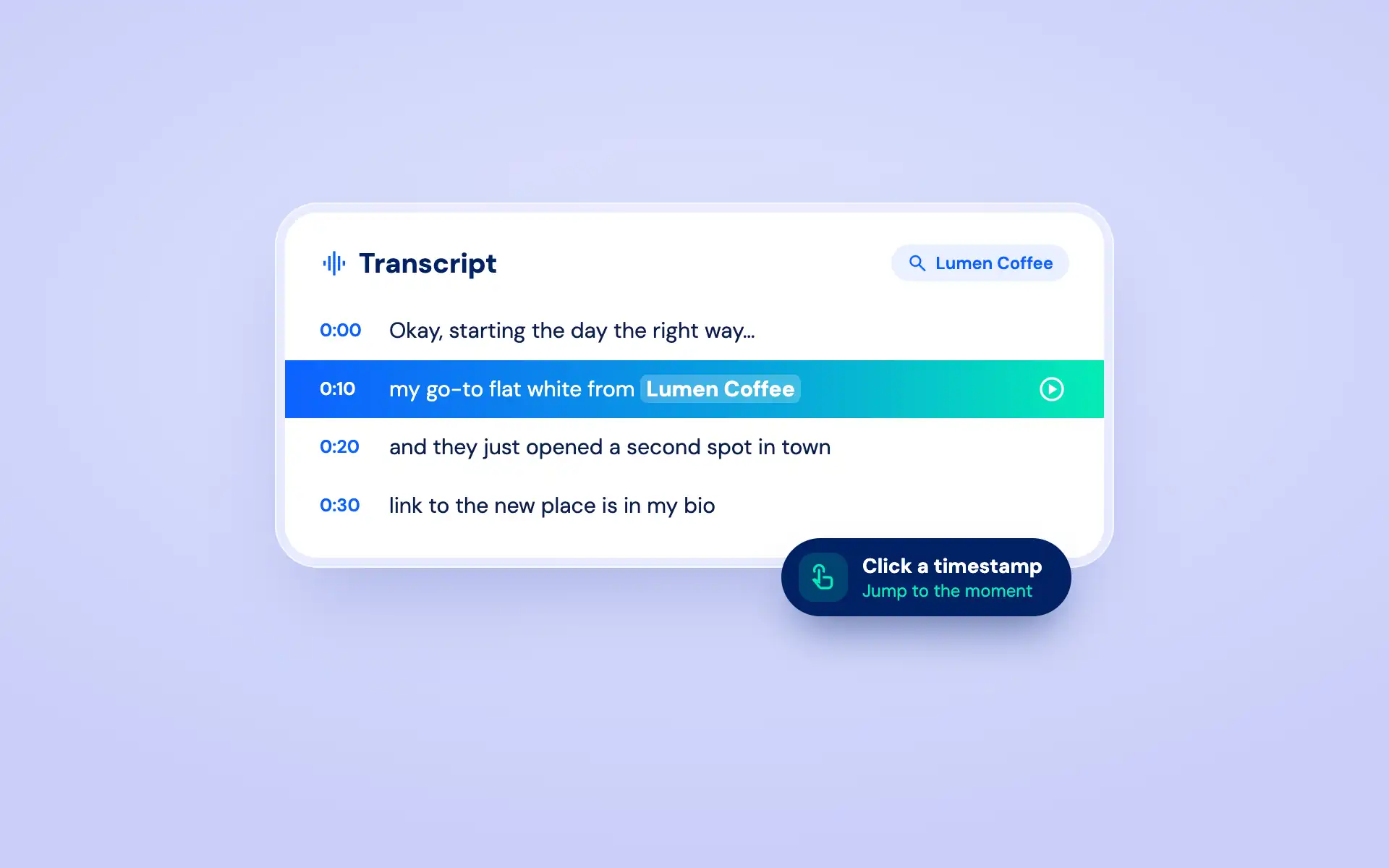
Social Lens transcribes speech in 10-second blocks and highlights your keywords. Click a timestamp to jump straight to the moment your brand is mentioned.
2. What’s on screen
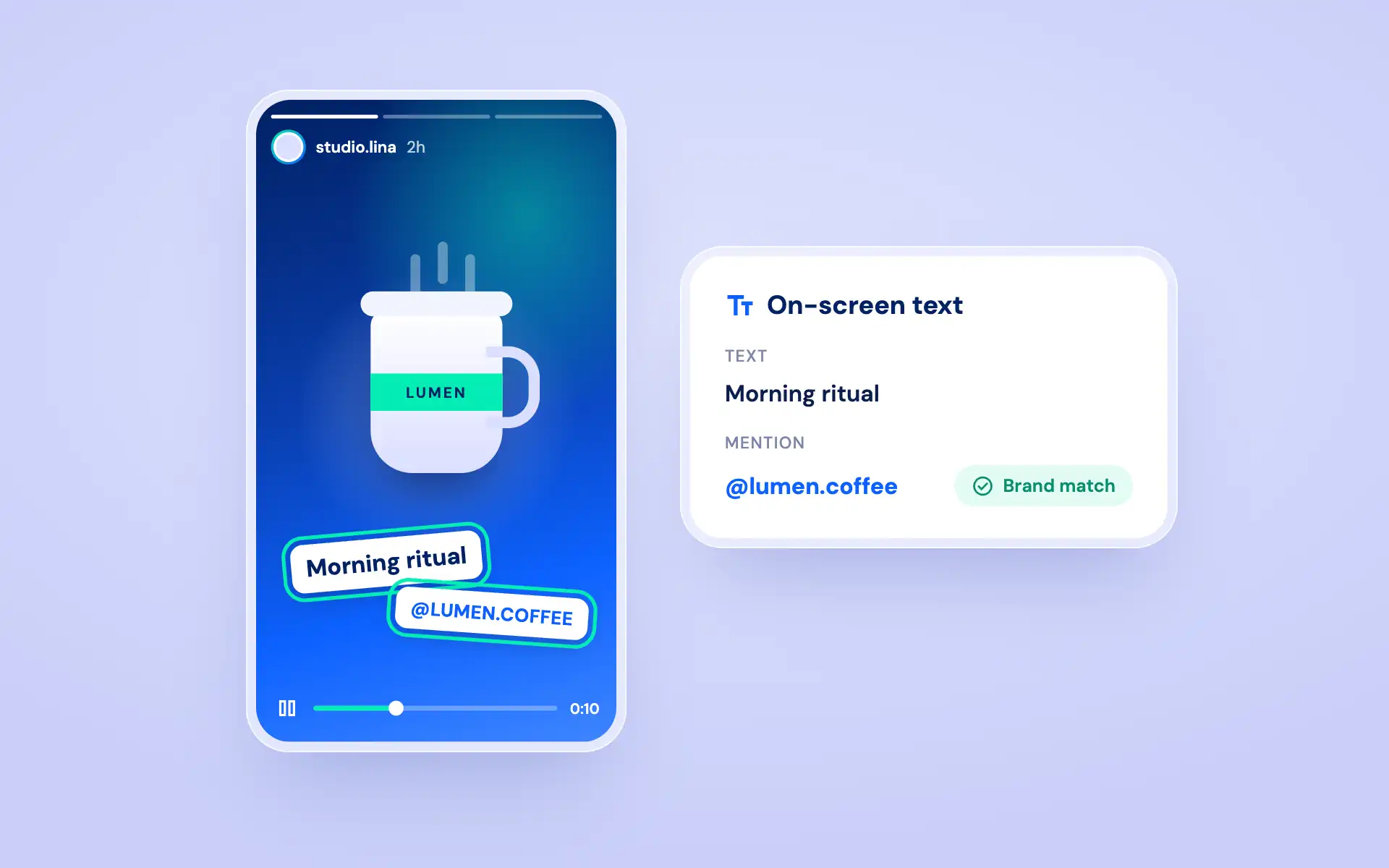
Captions typed into a video or story, stickers and handles are read as text, so a tag like @yourbrand counts as a mention even when nobody says it out loud.
3. What’s in the scene
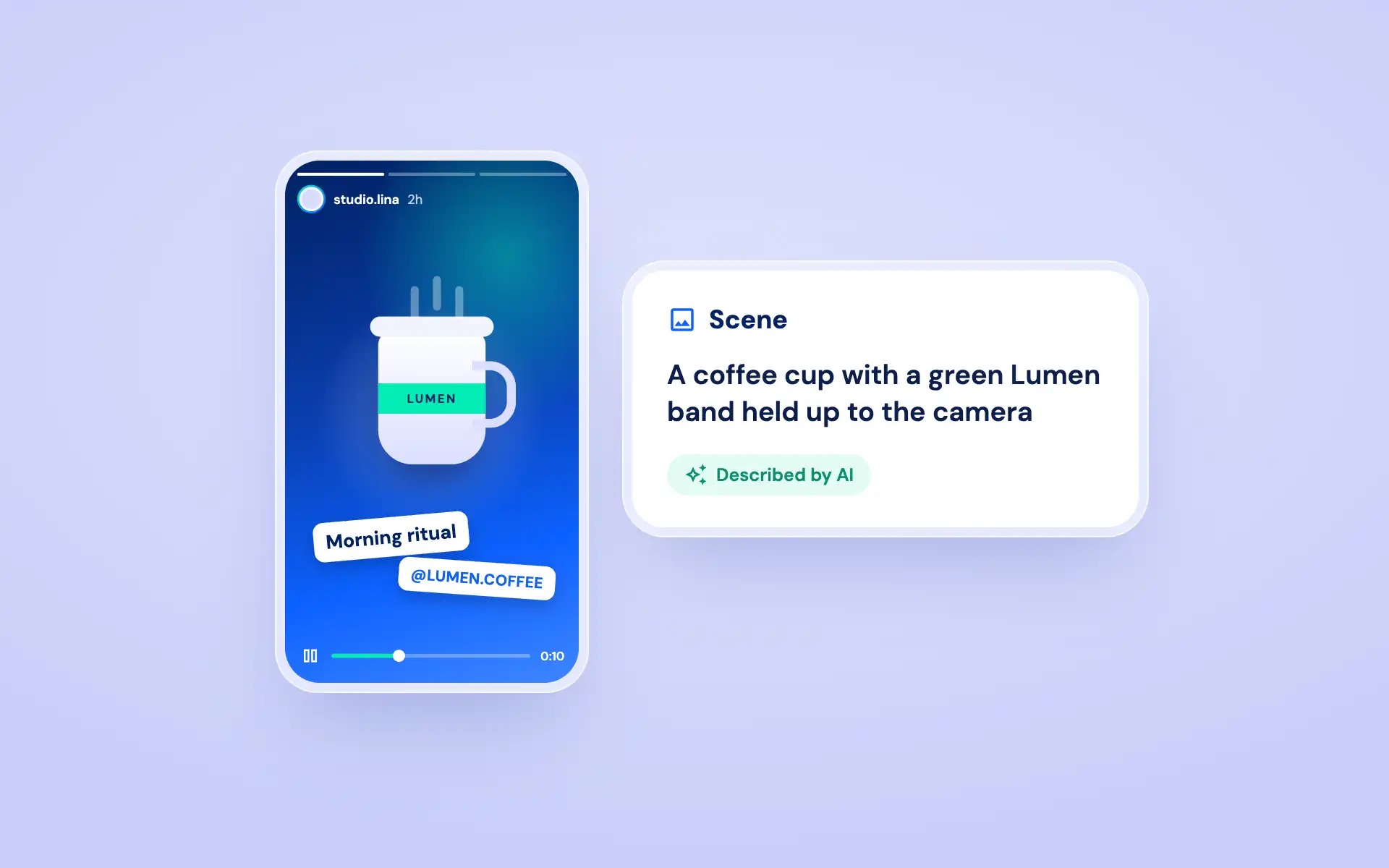
AI adds a short description of what the video shows, so you know at a glance whether it’s an unboxing, an event or a product on a café table.
Analyze it like the rest of your coverage
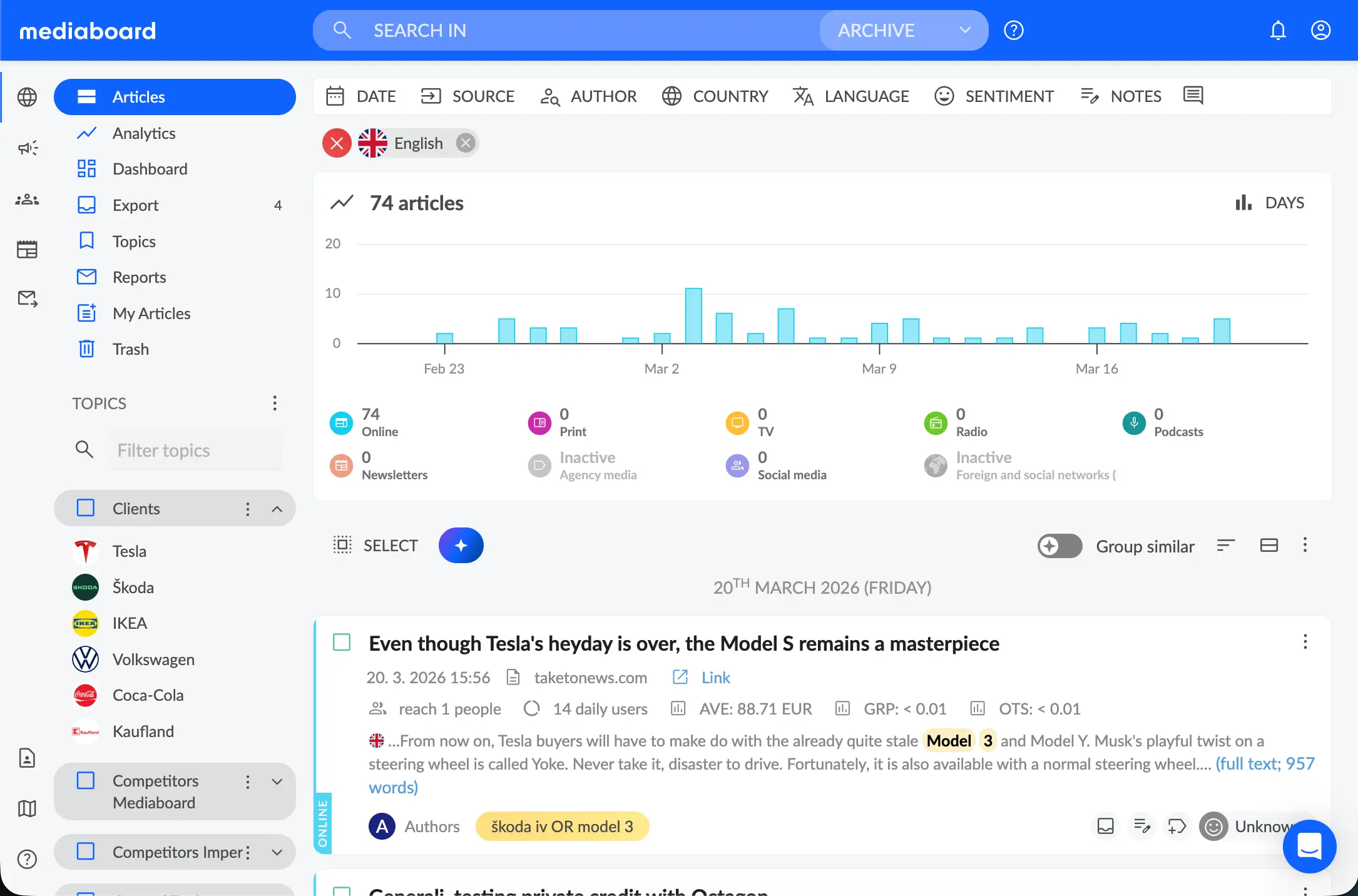
Each mention links to the original post. You see who posted it, their follower count and when it was published – and you can translate it, tag it, add a note or sentiment, just like any other article in Mediaboard analytics.
What teams use it for
Influencer campaigns. Check whether creators mentioned your brand, what they said and when – without collecting screenshots by hand.
Launches and events. See how the profiles you follow talk about a launch, a sponsorship or an event while it is happening.
Early warning. A critical comment said out loud doesn’t trigger a keyword alert. With a transcript, it can.
How to start
- Choose the profiles that matter to you – creators, partners, brand accounts.
- Turn on Social Lens. Mediaboard monitors their public videos and stories.
- Search and report. Mentions appear in Mediaboard next to your online, print, TV, radio and social coverage.
Want to see it on your own profiles? Try Mediaboard free and ask for Social Lens.
Good to know
Social Lens works with public content from the profiles you choose – brands, creators and topics, not private individuals. Monitoring starts when a profile is added. When the author deletes a post, it disappears from Mediaboard too. Mentions are visible only to your team.
FAQ
What is Mediaboard Social Lens?
Mediaboard Social Lens is an add-on to Mediaboard social listening. It uses AI to find brand mentions in social videos, stories and visuals by transcribing speech, reading on-screen text and describing the scene.
Which content does Social Lens cover?
Public short videos, stories and visuals from the profiles you choose, across major social networks. We will show you the exact sources in a demo.
Can I get content posted before I started?
No. Monitoring starts when a profile is added.